Command Line Shortcuts
Published February 5, 2021

Speed up your terminal workflow with keyboard shortcuts for navigating, editing, and recalling commands in Bash and Zsh shells.
Harness the Combinatoric Power of Command-Line Tools and Utilities
Go beyond the book. Check out these short videos from the Small Sharp Software Tools YouTube Channel.
Published February 5, 2021
Speed up your terminal workflow with keyboard shortcuts for navigating, editing, and recalling commands in Bash and Zsh shells.
sudoPublished February 4, 2021
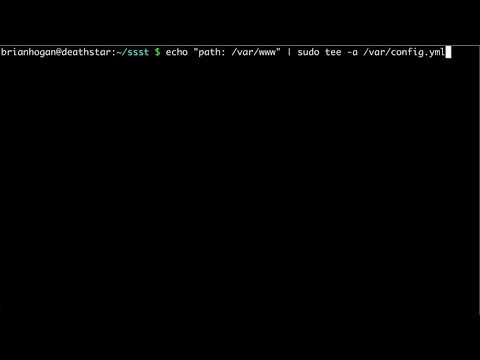
Edit and modify system files you do not own using sudo, tee, and other techniques to safely make changes with elevated privileges.
Published February 2, 2021
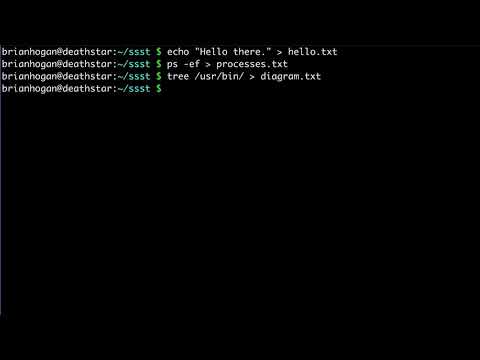
Redirect command output to files using stdout and stderr redirection operators, and append or overwrite files from the terminal.
Published February 6, 2019
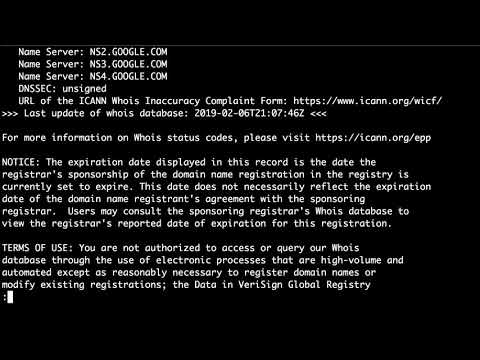
Look up domain name records, IP addresses, and registration details from the command line using host, dig, and whois.
Published January 28, 2019
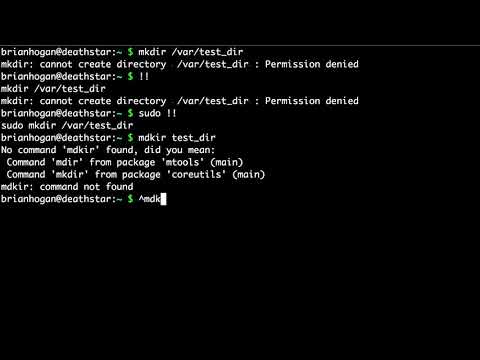
Fix command-line typos and mistakes with keyboard shortcuts and history substitution so you can correct errors without retyping.
Published January 27, 2019

Display a calendar in your terminal with the cal command, view specific months or years, and highlight dates for quick reference.
Published January 26, 2019
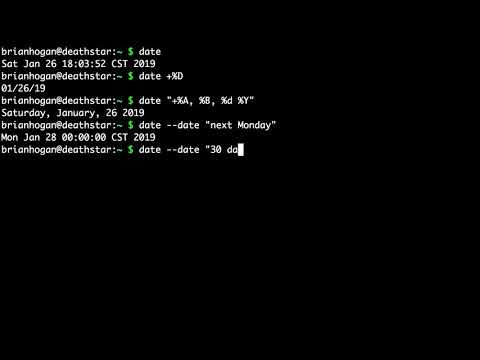
Format dates, calculate future and past dates, and do date math from the terminal using the date command on macOS and Linux.
Published January 23, 2019
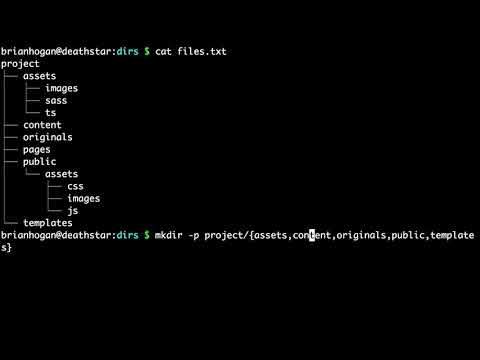
Use the mkdir command with the -p flag and brace expansion to build a full project directory structure in a single command.
Published January 21, 2019

Create files from the command line using touch, redirection, and heredocs, and understand when to use each approach.